Commenting in Cofactr
Last updated: January 20, 2026
Cofactr's commenting system allows you to have contextual conversations about your parts and procurement processes directly within the platform.
Where You Can Leave a Comment:
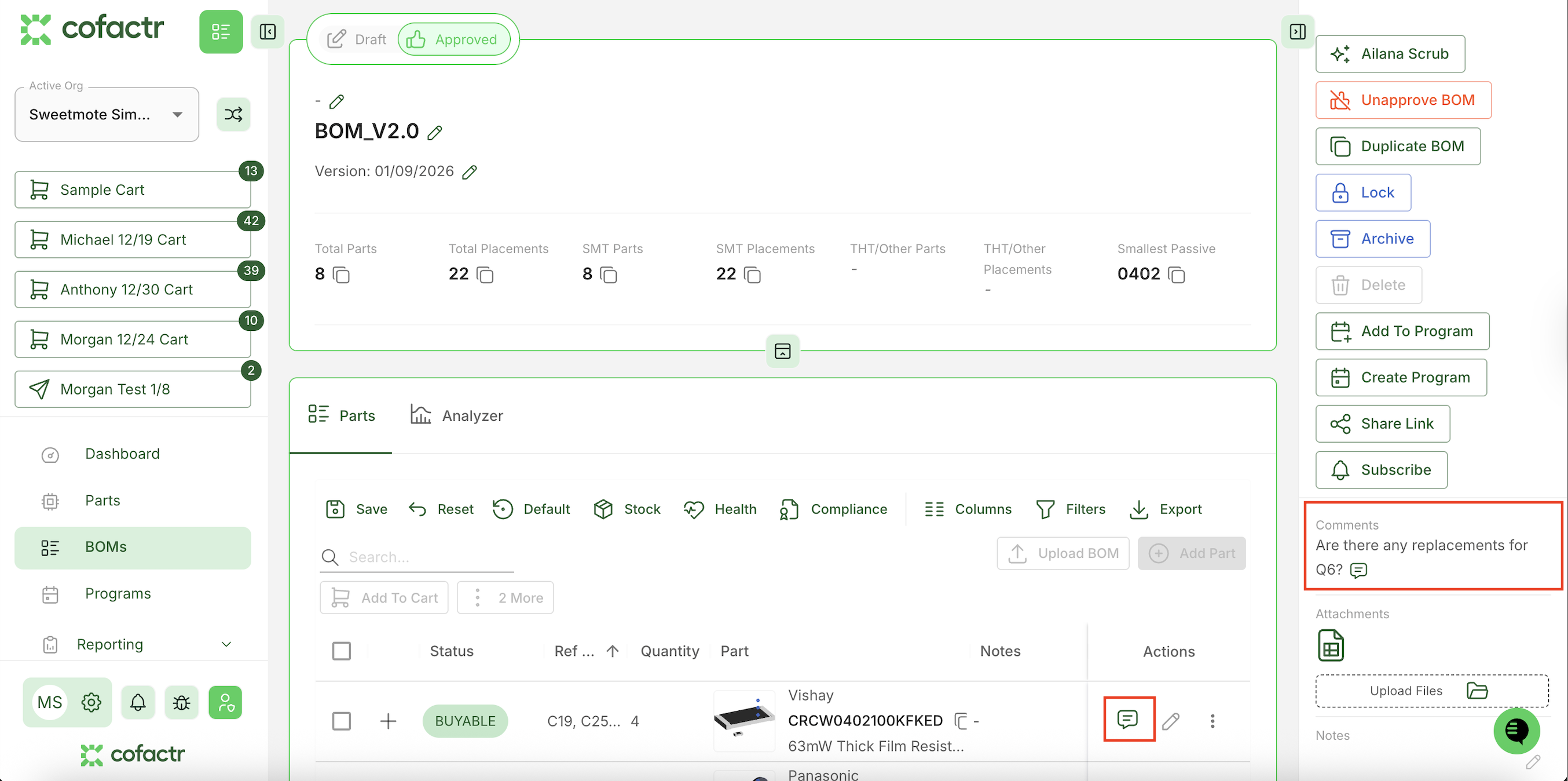
On Records: You can comment on main records like BOMs and Purchase Orders. These comments apply to the entire record.
On Line Items: You can also comment on specific areas within records, such as individual BOM lines. This lets you discuss particular components or line items.
Team Collaboration Features: Mentioning Teams: If you have Teams enabled (learn more about Teams), use @ followed by a team name to notify entire groups, similar to how mentions work in Slack. This helps bring the right people into conversations quickly.
Automatic Updates: The system will automatically add helpful comments when important events happen. For example, if a purchase line is delayed, you might see an update comment like "Part xyz123 is delayed by 1 day. The new estimated delivery date is 4/13/26".
Staying Informed:
Following Conversations: When you comment on any record, you'll automatically start receiving notifications about that record so you stay up to date on the discussion.
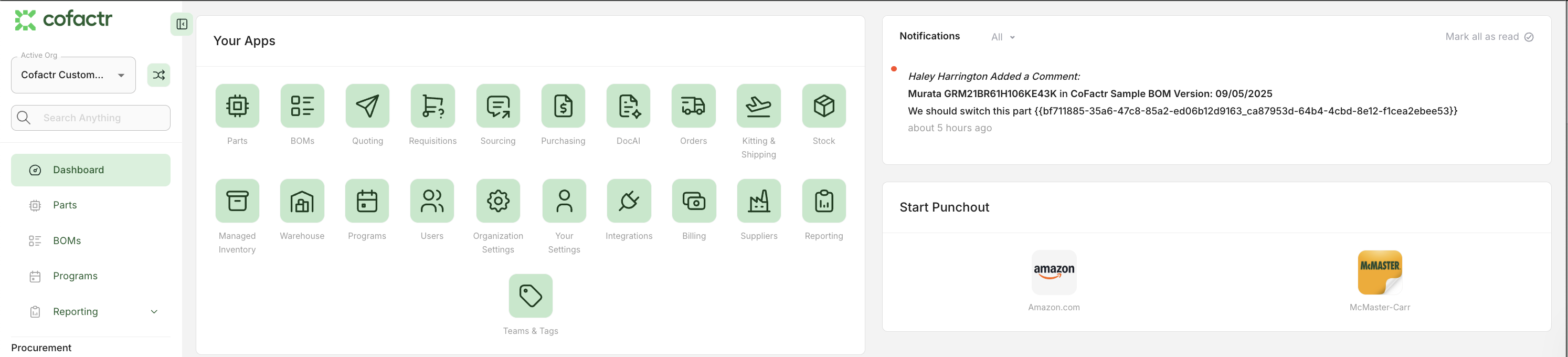
Smart Subscriptions: You can also automatically follow records based on your role:
Records you create (like BOMs you build)
Records you approve
Managing Notifications:
You have control over which automatic updates and subscriptions you want to receive. For example, if you're an engineering manager who approves many BOMs but doesn't want notifications on all of them, you can turn off those automatic notifications.
To adjust your notifications, go to your profile in the bottom left-hand corner --> your settings --> notifications.
If you have any additional questions, please reach out to success@cofactr.com
Written by Morgan Seeton