Handling Task Requests for Stock Lots
Last updated: September 2, 2026
What does it mean to ask Cofactr to Reel, Combine, Splice, Split, Inspect, MSL Reset, Transfer, Add to Shipment, or Trash a Stock Lot?
You'll see a few action buttons that only appear when looking at Stock Lots. These are requests for Cofactr to handle your stock lots. These may be initiated when making a shipment from a BOM, or they may be necessary to prepare materials for a contract manufacturer. Some can be performed on a single Stock Lot, and others can only be performed on more than one Stock Lot. They appear in the Stock Lots view under inventory as these action buttons:

Or at the level of looking at an individual stock lot as these buttons:

Here is a summary of each:
Reel
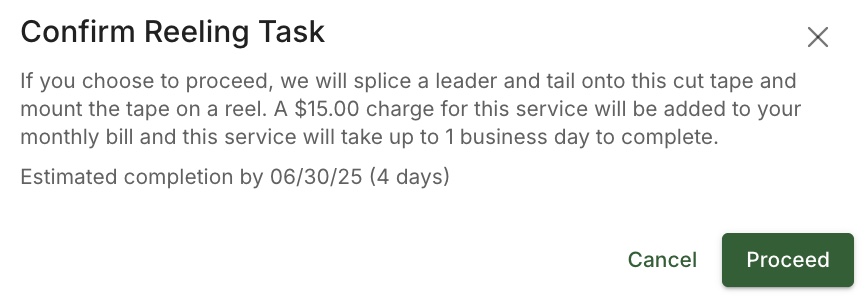
A request to reel a part may be made to any stock lot that is currently on cut tape. It means that Cofactr will take that cut tape, add leader and tail, and mount it on a reel.
Combine
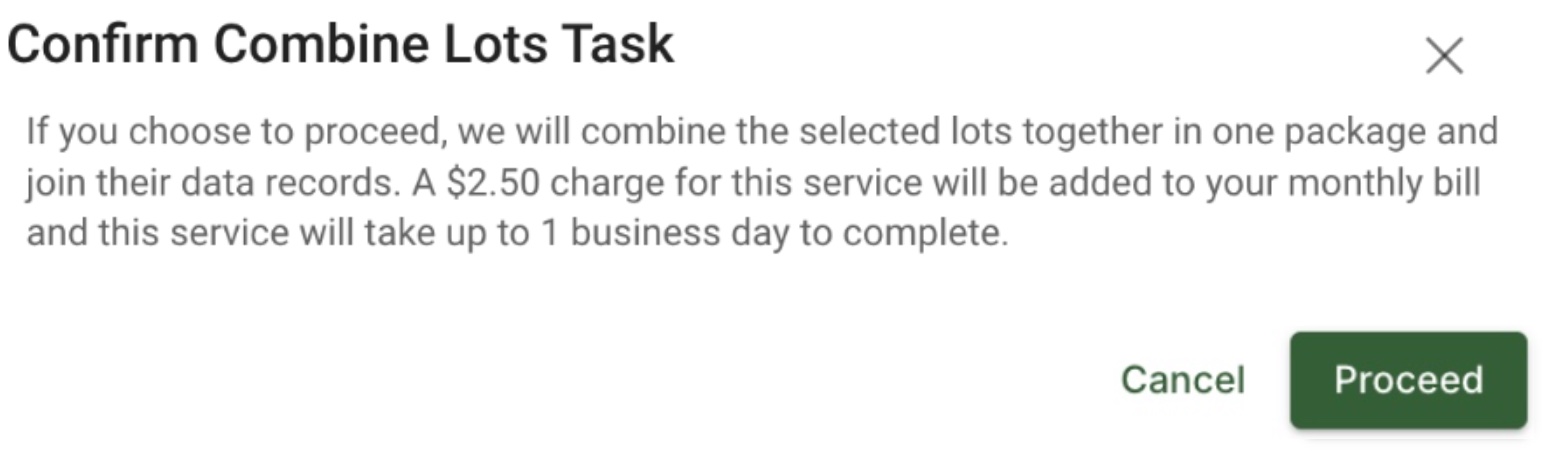
A combine request may be made to any two stock lots of the same part type. It means that Cofactr will combine the selected lots together in one package and join their data records.
Splice
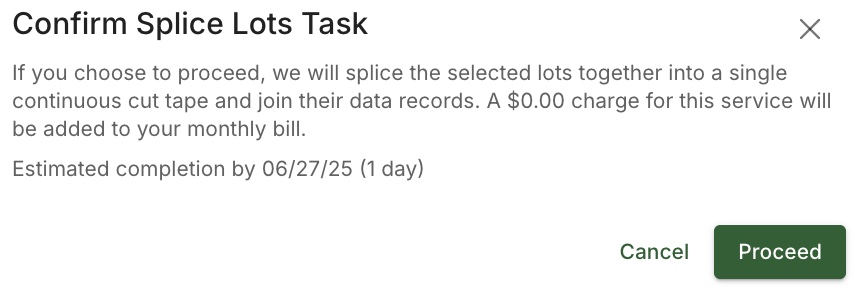
A splice request may be made to any two stock lots that are on cut tape. It means that Cofactr will splice the selected lots together into a single continuous cut tape and join their data records.
Split
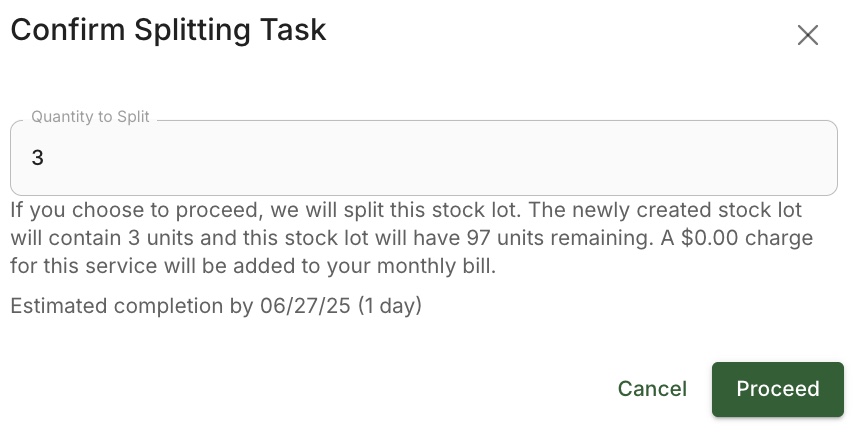
A split request may be made to any stock lot of a quantity of more than 1 piece. It means that Cofactr will split off the desired quantity of parts from the stock lot and generate a new stock lot with those split-off parts. This is used primarily for preparing exact quantities for manufacturing or to send to terminal locations.
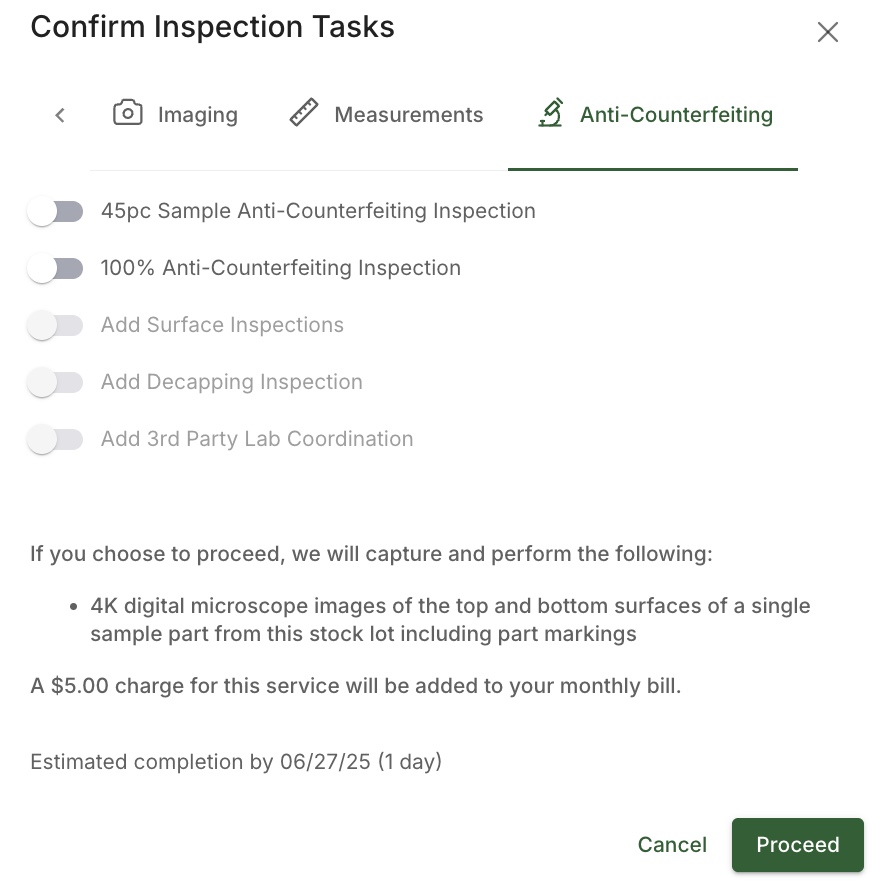
Inspect
An inspection request may be made to any individual stock lot. It includes a 100% optical inspection of silkscreen, termination plating, and package construction as well as 100% X-Ray inspection of die, lead frame geometry, and bond wires. If possible, providing a known-good sample of the part results in a more thorough inspection. The report of the inspection is then provided to you.
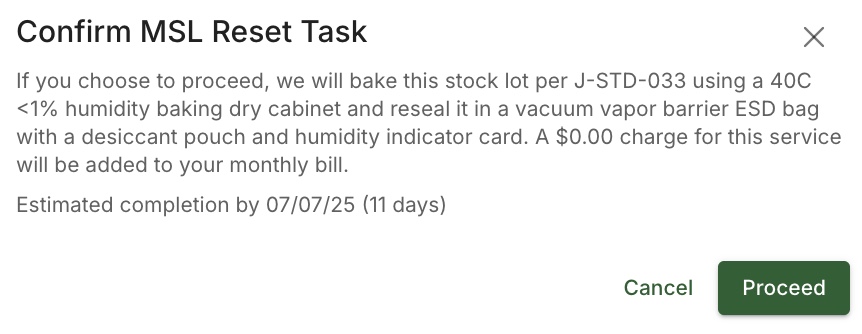
MSL Reset
A MSL Reset request may be made for any individual stock lot. It means Cofactr will bake the lot per J-STD-033 using a 40C <1% humidity baking dry cabinet and reseal the part in a vacuum vapor barrier ESD bag with a desiccant pouch and humidity indicator card.
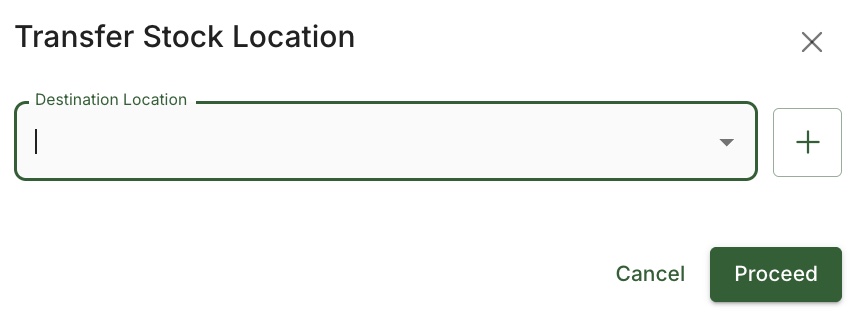
Transfer
A Transfer may be requested of any number of stock lots. It means Cofactr will transfer stock lots between locations. This may include shipping if those locations are at different facilities.
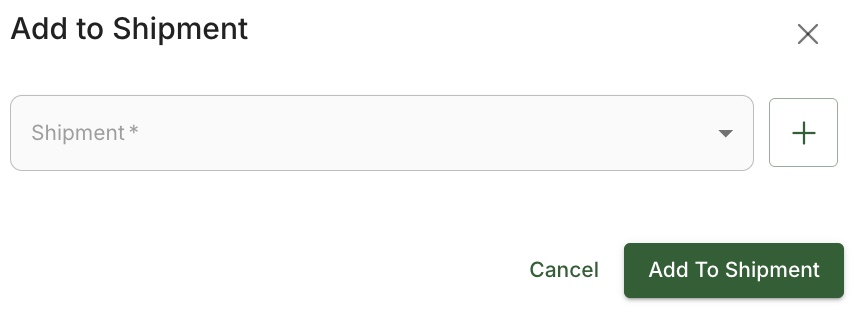
Add to Shipment
Any number of stock lots can be added to a shipment.
Lot Disposal Options
Dispose of Lot
This request may be placed for stock lots located at Cofactr facilities. It means Cofactr will dispose of the lot in accordance with proper electronic waste recycling regulations and environmental standards. Once submitted, you can not undo this request.
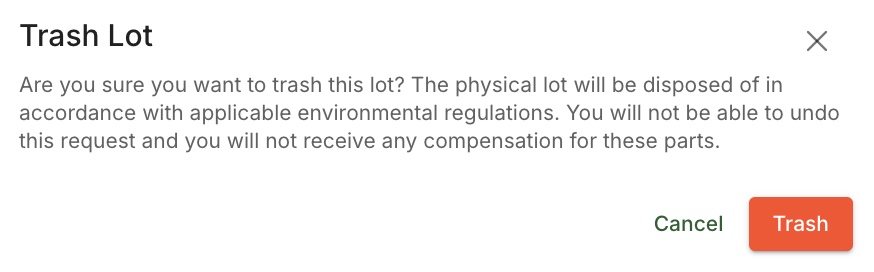
Trash
This request may be made for stock lots located at your facility. It means you are marking the lot as physically disposed of when you handle the disposal process yourself at your location.

Written by Phillip Gulley and Morgan Seeton