Billing Information
Last updated: November 15, 2025
Before you can make any purchases, it's important to get your billing information set up. This can all be done via your "Organization Settings" within the platform. Let's check it out:
From the Dashboard, click on the Billing app.
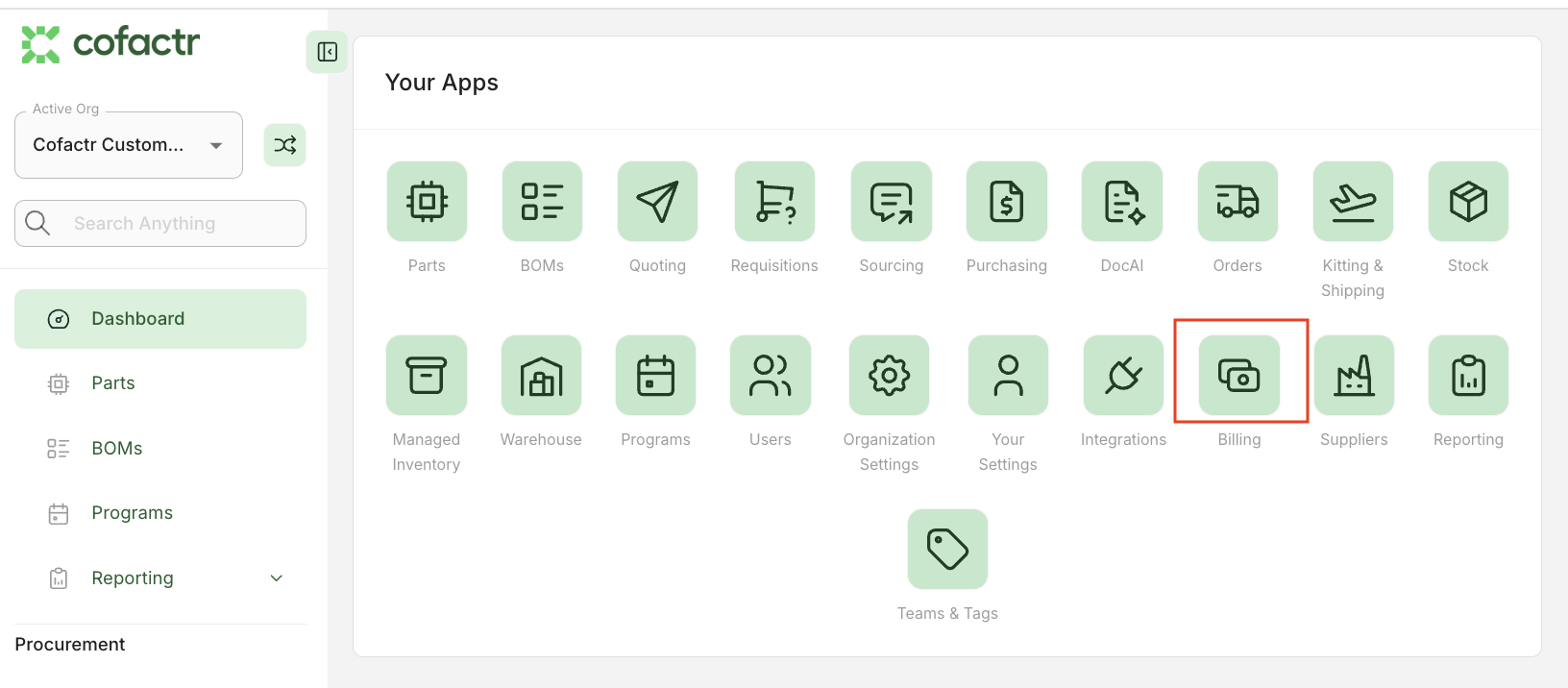
From there, click the Payments tab at the top.
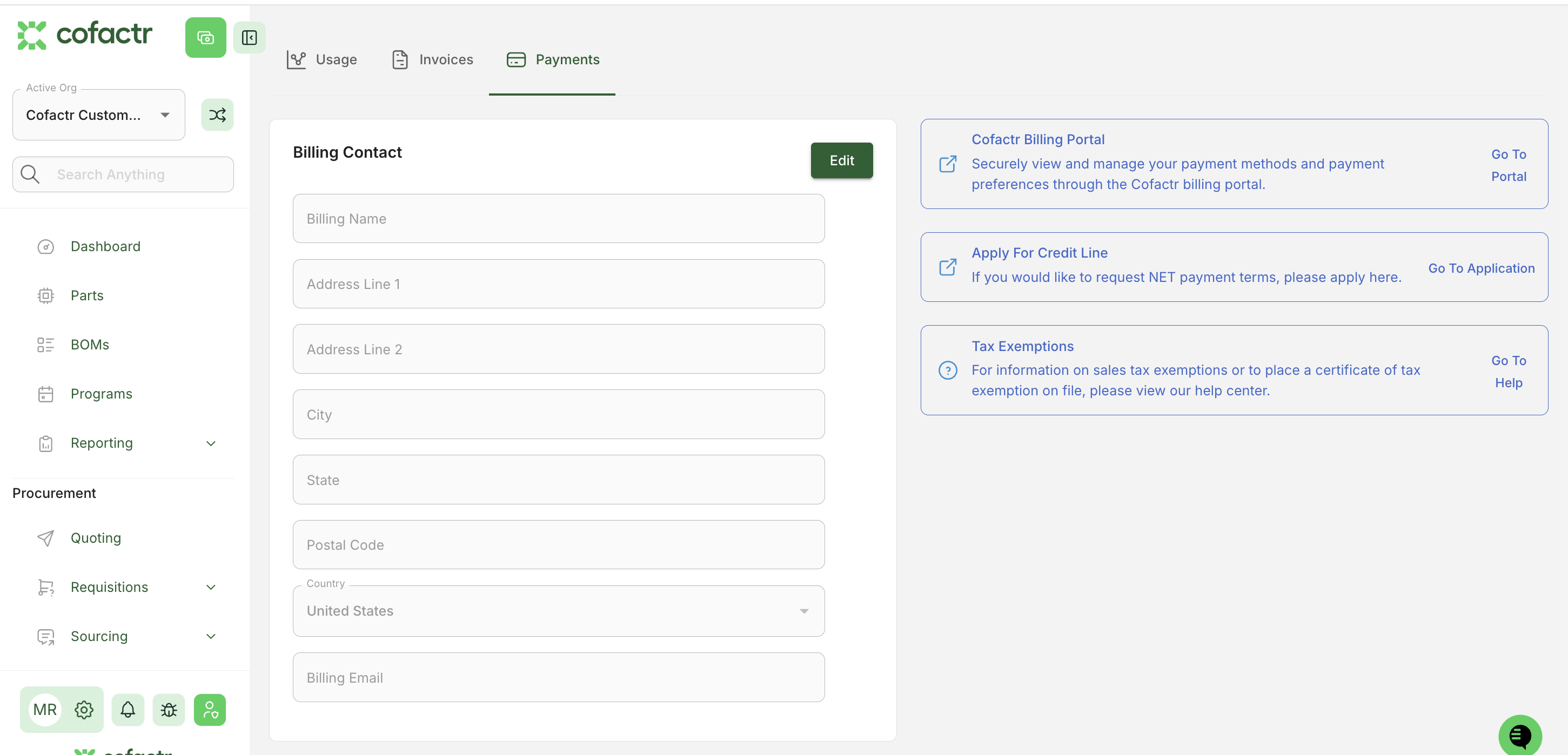
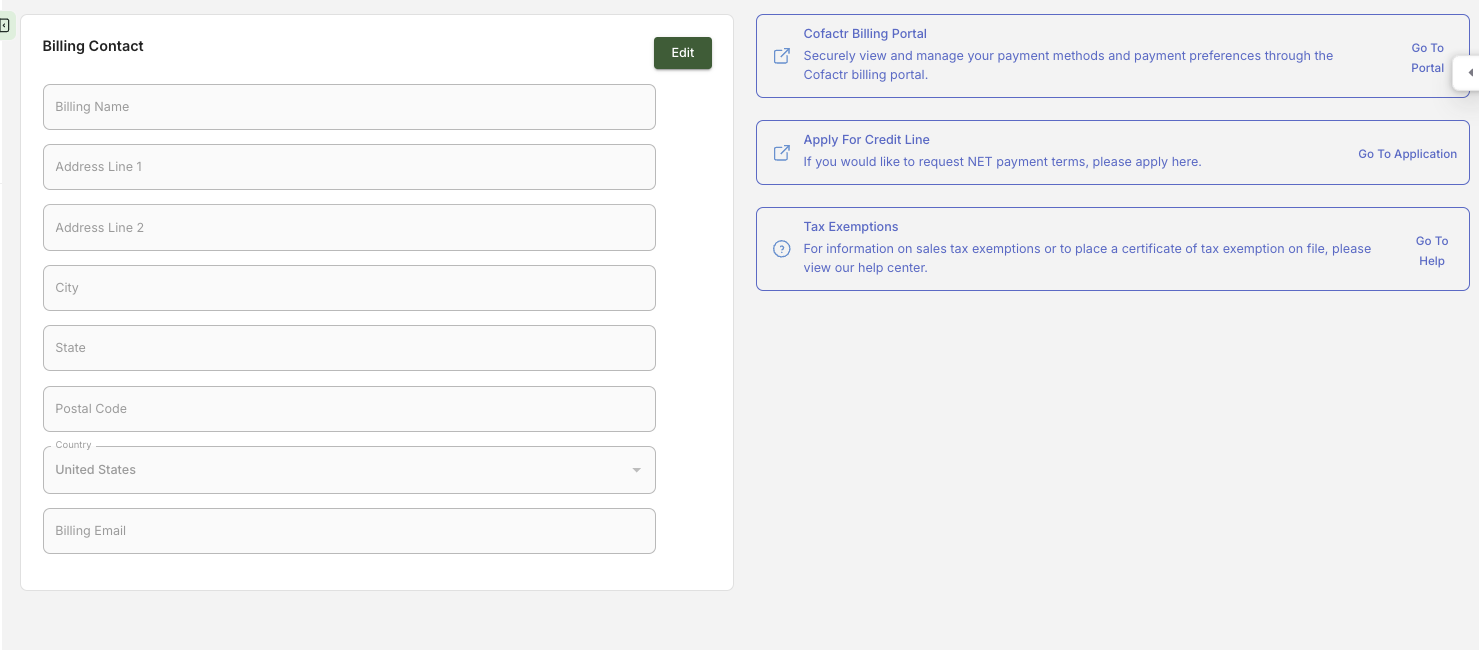
You'll then see a place to input a billing contact. You can then use the blue boxes on the right to setup your preferred payment method. If you want to use a credit card or ACH, access the portal to input the information. If you want to apply for net terms, you can find the application in the second box.
Once you have added a payment method, you can start making purchases!