Account Settings
Last updated: September 11, 2025
Your personal account settings are accessed by navigating to the 'gear' icon in the lower left hand corner of the Cofactr platform. Once you click on "Your Settings," you'll see Profile, Security, and Notifications.
User Settings - Profile
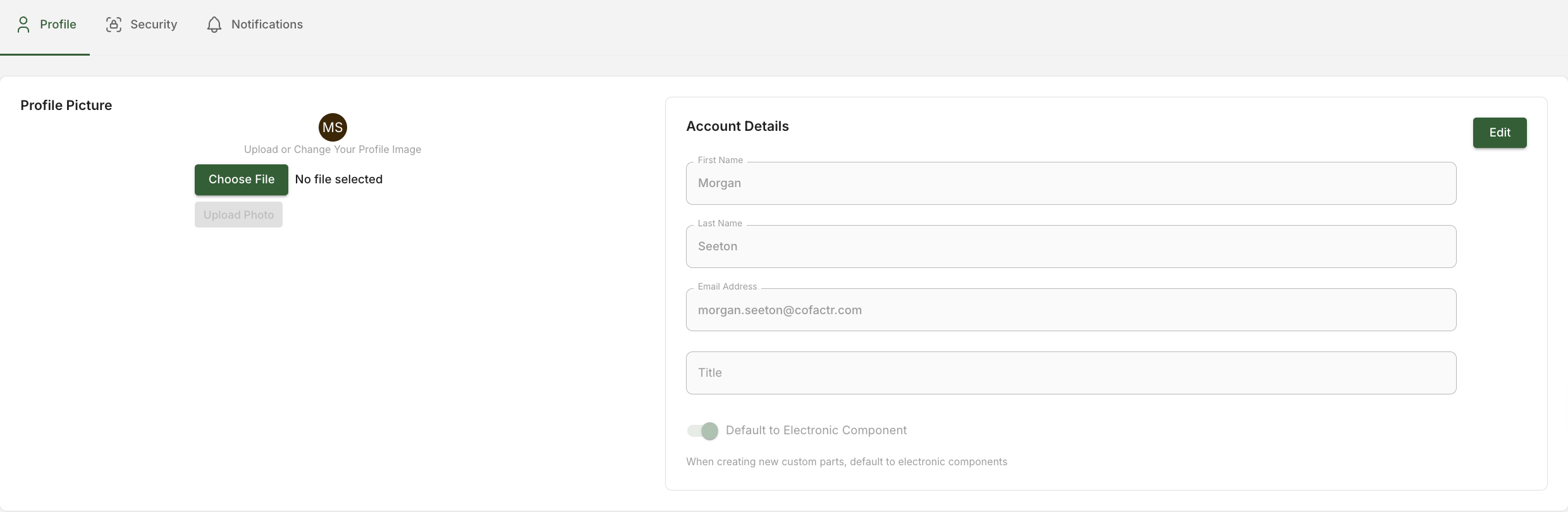
The "Profile" tab allows you to:
Upload a profile image like a headshot. The files accepted are .jpg or .png.
Change you 'First Name' as it is shown to others and lists on Cofactr.
Change your 'Last Name' as it is shown to others and lists on Cofactr.
Change your 'Email Address'.
Change your 'Title'
User Settings - Security
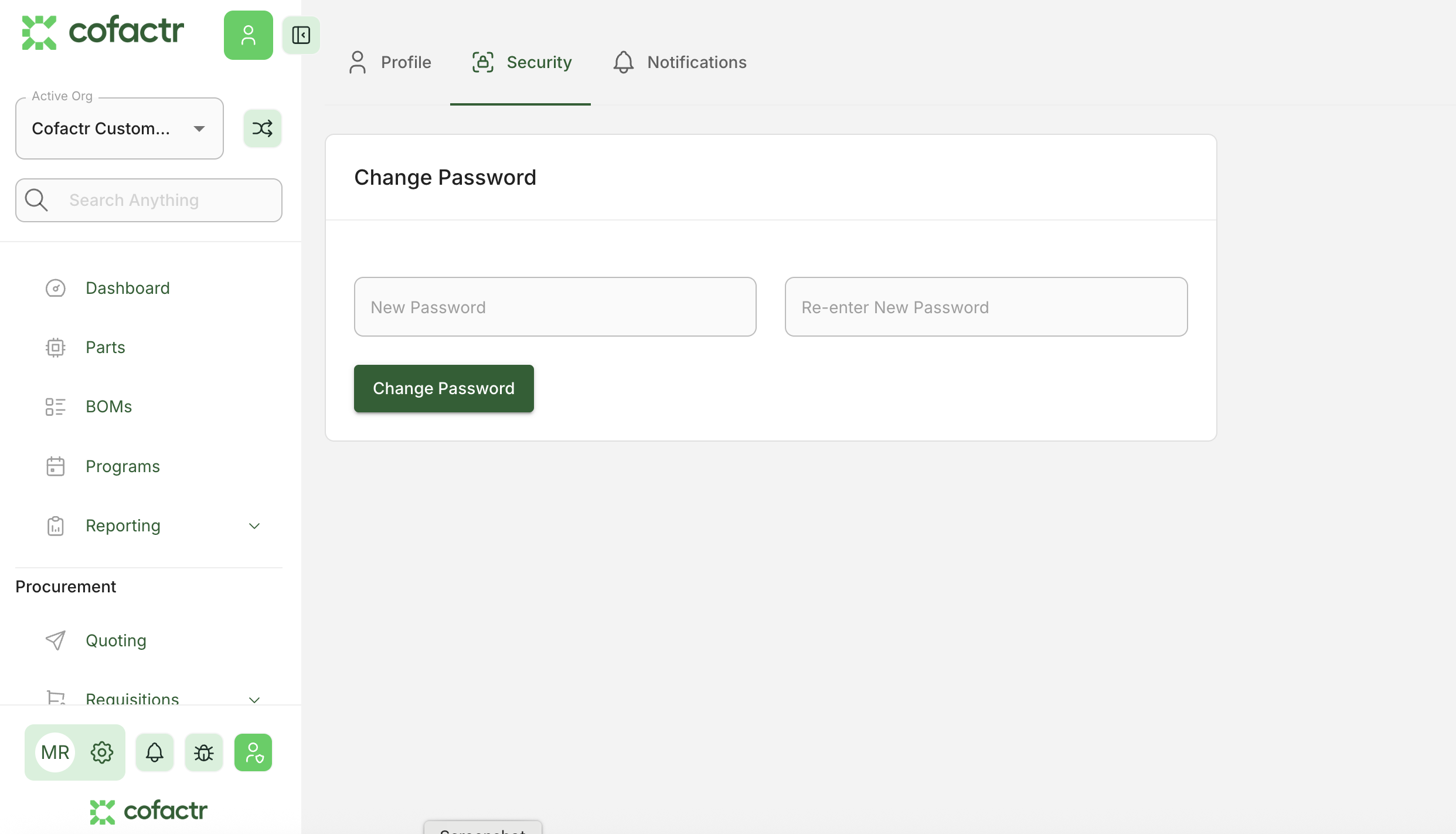
In the "Security" tab you can change your password by entering in your current password and then entering a 'New Password' and confirming it in 'Re-enter New Password' and then clicking "Change Password".
User Settings - Notifications
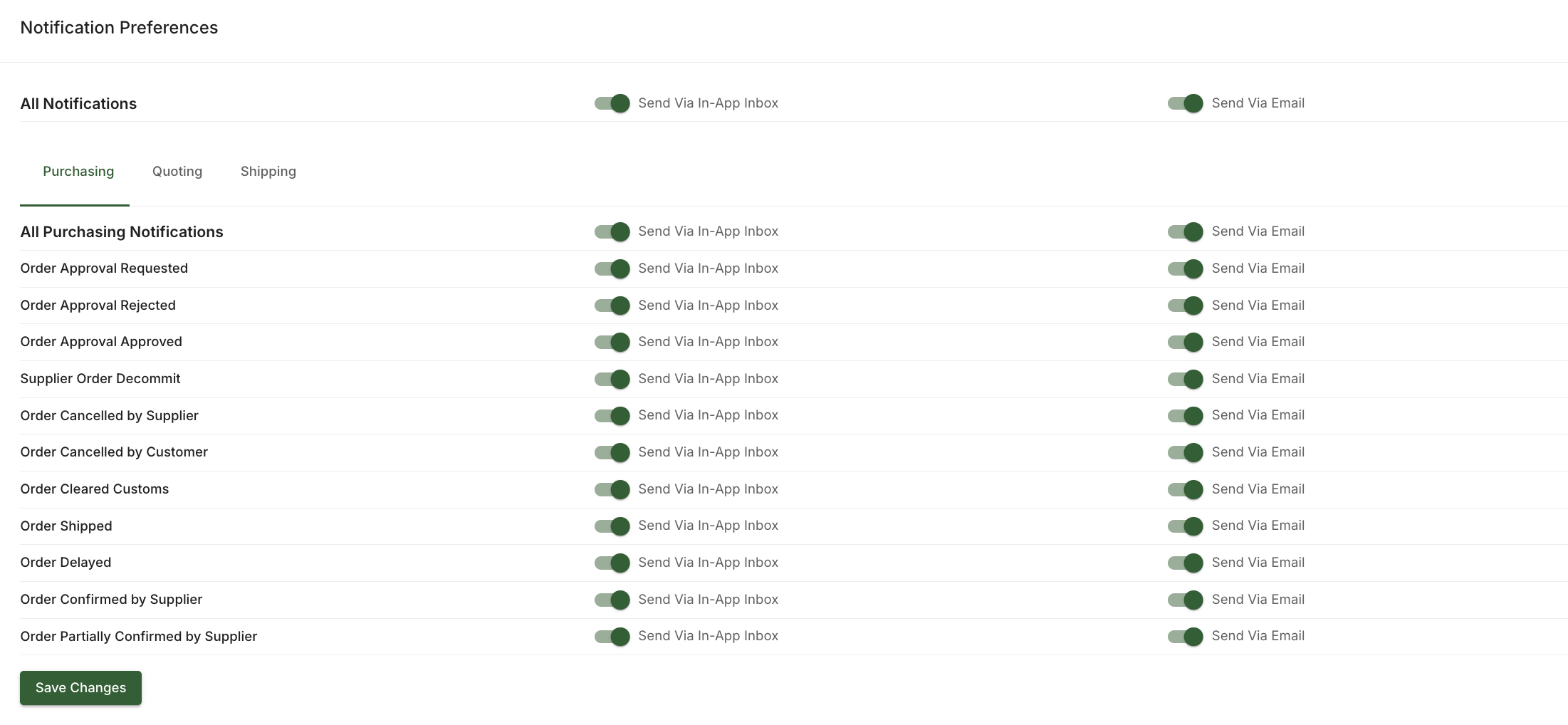
You can also adjust your Notification settings, across Purchasing, Quoting, Shipping, events. There are two types of notifications you can select for: In-App and email.
Written by Phillip Gulley