Organization Settings
Last updated: January 21, 2026
Organization Settings are where you can manage the foundational details of your company's Cofactr account. This is the central place to set up things like your organization's logo, inventory preferences, purchasing preferences, custom properties, team permissions, and more. By keeping these settings up to date, you ensure that your entire team is aligned and that all projects, purchasing, and communication within Cofactr run smoothly.
To get to your Organization settings, simply click on the gear icon in the lower left of the screen next to your initials, and select Organization Settings. This will take you to the list of org settings you are able to edit.
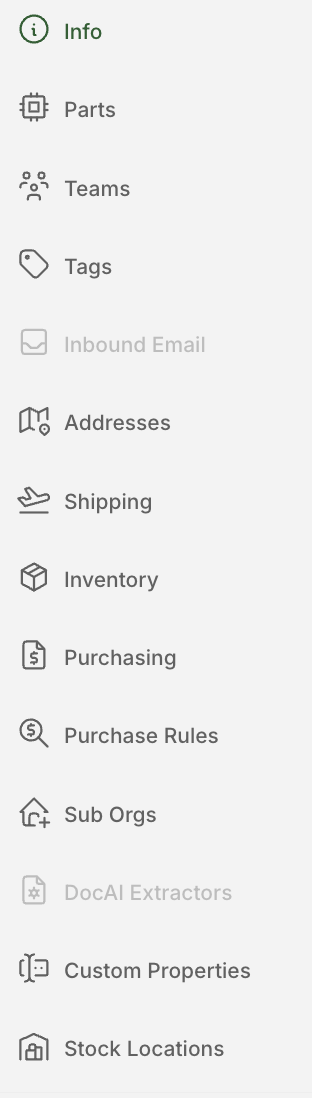
Key Settings You Can Manage:
Organization details (logo, name, etc.)
Billing Details
Addresses
Inventory preferences
Purchasing preferences
Custom properties
Teams permissioning (enable or disable team-based access control)
And more
If you have additional questions on the information under each of these tabs, or are unsure for one of your org settings, reach out to success@cofactr.com for help!
Written by Morgan Seeton