Setting Up Slack Integration Error Alerts
Last updated: October 14, 2025
Get real-time notifications in Slack whenever an integration error occurs in Cofactr.
This integration sends alerts to a Slack channel of your choosing when there are errors in your other Cofactr integrations. Instead of discovering issues after the fact, you will be notified immediately so you can troubleshoot faster.
Time to complete configuration: ~5 minutes
Requirements:
Admin access to your Cofactr account
Permission to add integrations to your Slack workspace
A public Slack channel where alerts should be sent
Step 1: Access the Integration
Navigate to the Integrations app in your Cofactr platform
Scroll to the bottom of the Integrations Marketplace
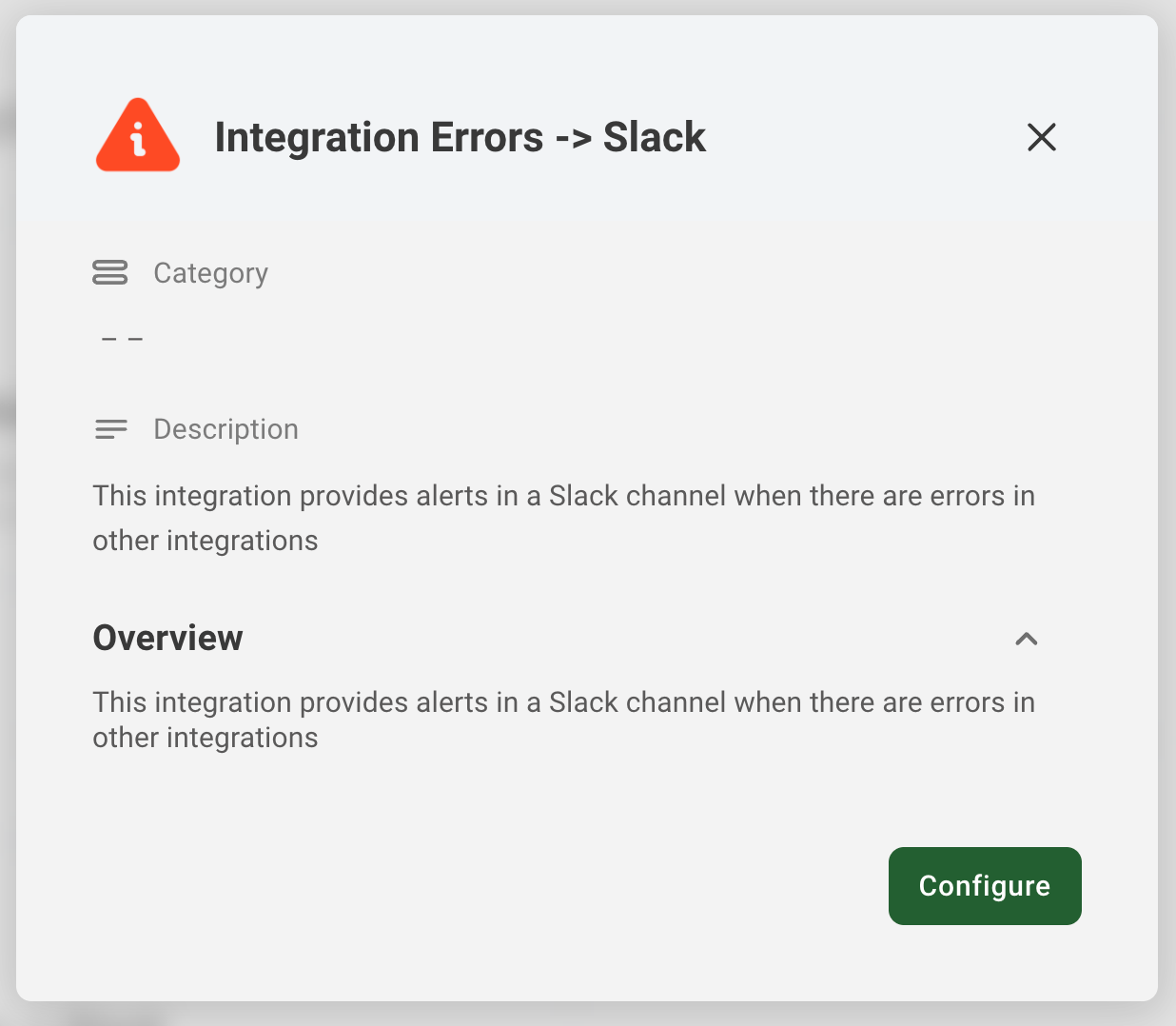
Find the Integration Errors -> Slack card (marked with a warning icon)
Click Configure
Step 2: Review Integration Details
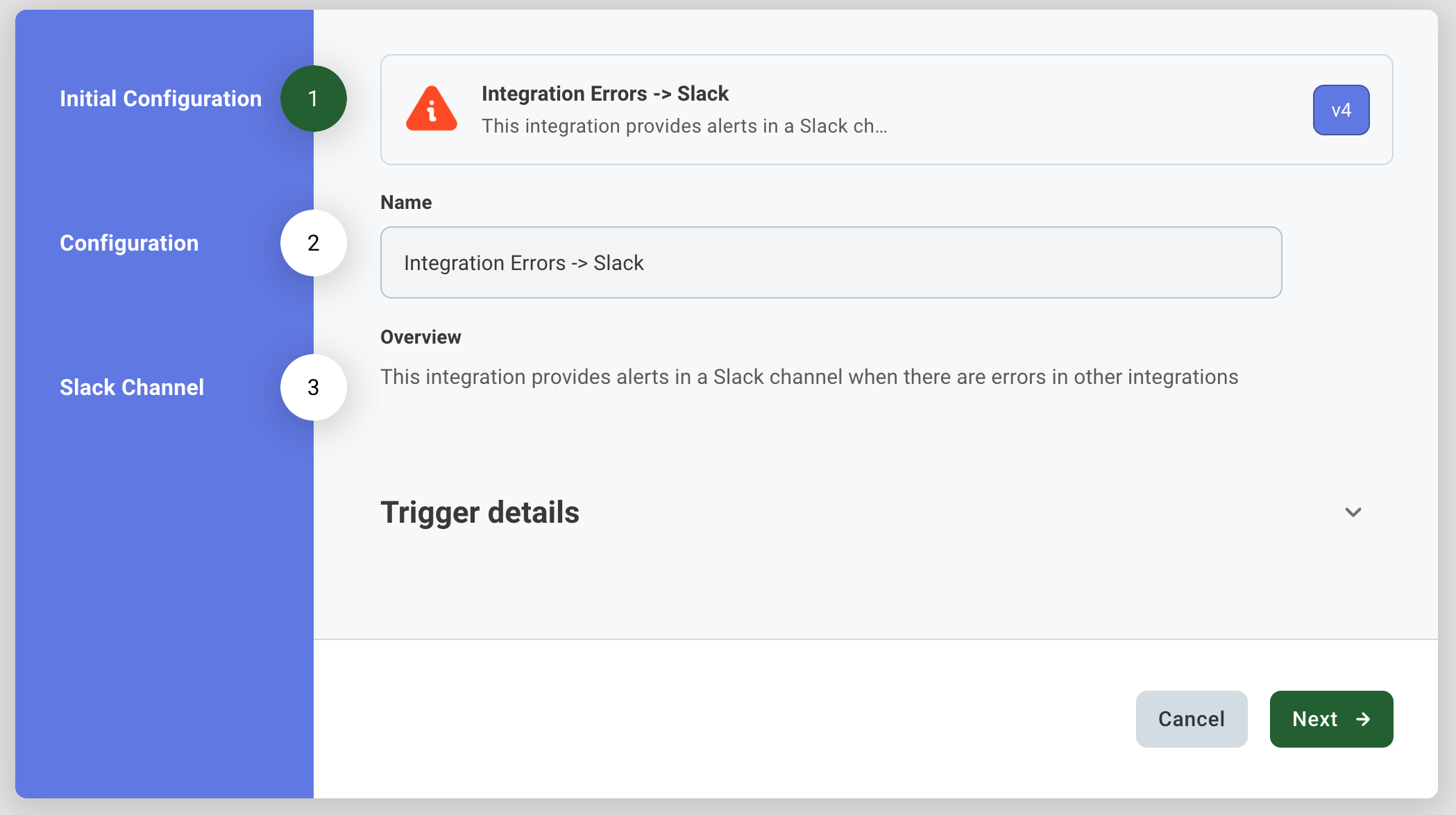
You will see the integration configuration wizard with three steps:
Initial Configuration
Configuration (Slack Connection)
Slack Channel
Review the overview to confirm this is what you need, then click Next.
Step 3: Connect Your Slack Workspace
On the Configuration step, you will see a Slack Connection section
Click the Connect button
You will be redirected to Slack to authorize the connection
Follow the Slack prompts to grant Cofactr permission to post to your workspace
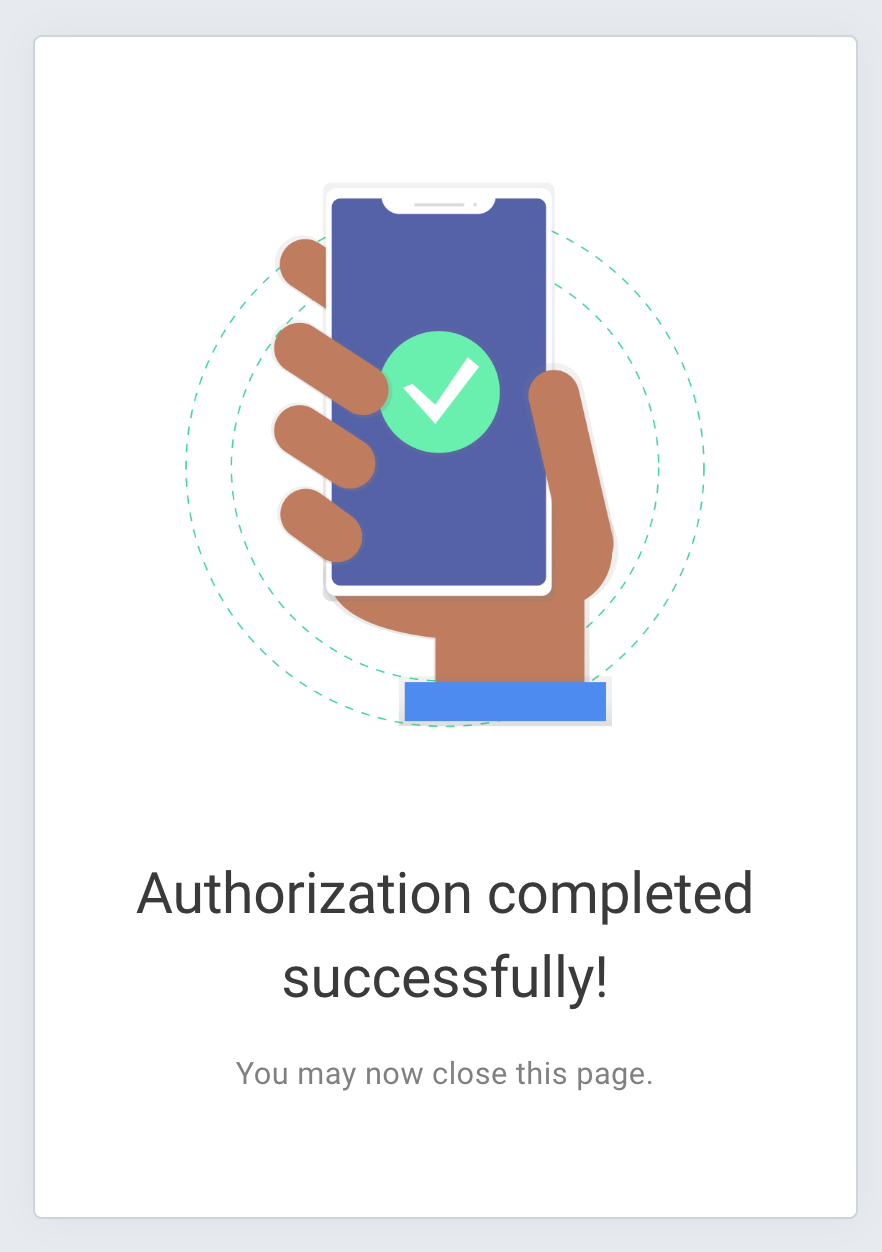
Once authorized, you will see "Authorization completed successfully!"
Return to the Cofactr configuration page
Note: The connection status indicator will turn green and show Disconnect once successfully connected.
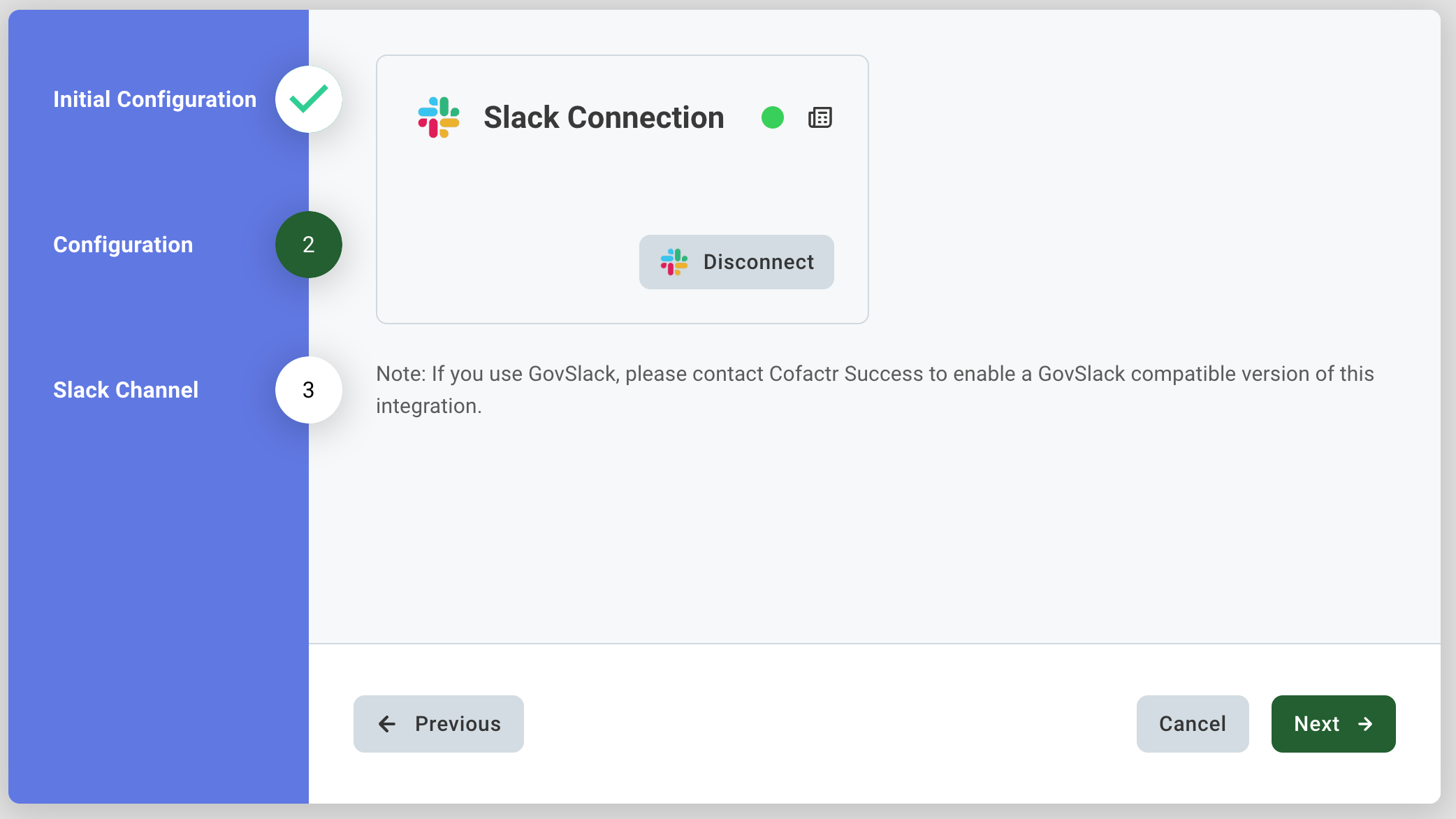
Important: If you use GovSlack, contact Cofactr Success at success@cofactr.com to enable a GovSlack-compatible version of this integration.
Step 4: Select Your Alert Channel
Click Next to proceed to the Slack Channel step
In the Alerting Slack Channel dropdown, select the channel where you want error alerts sent
Click Finish
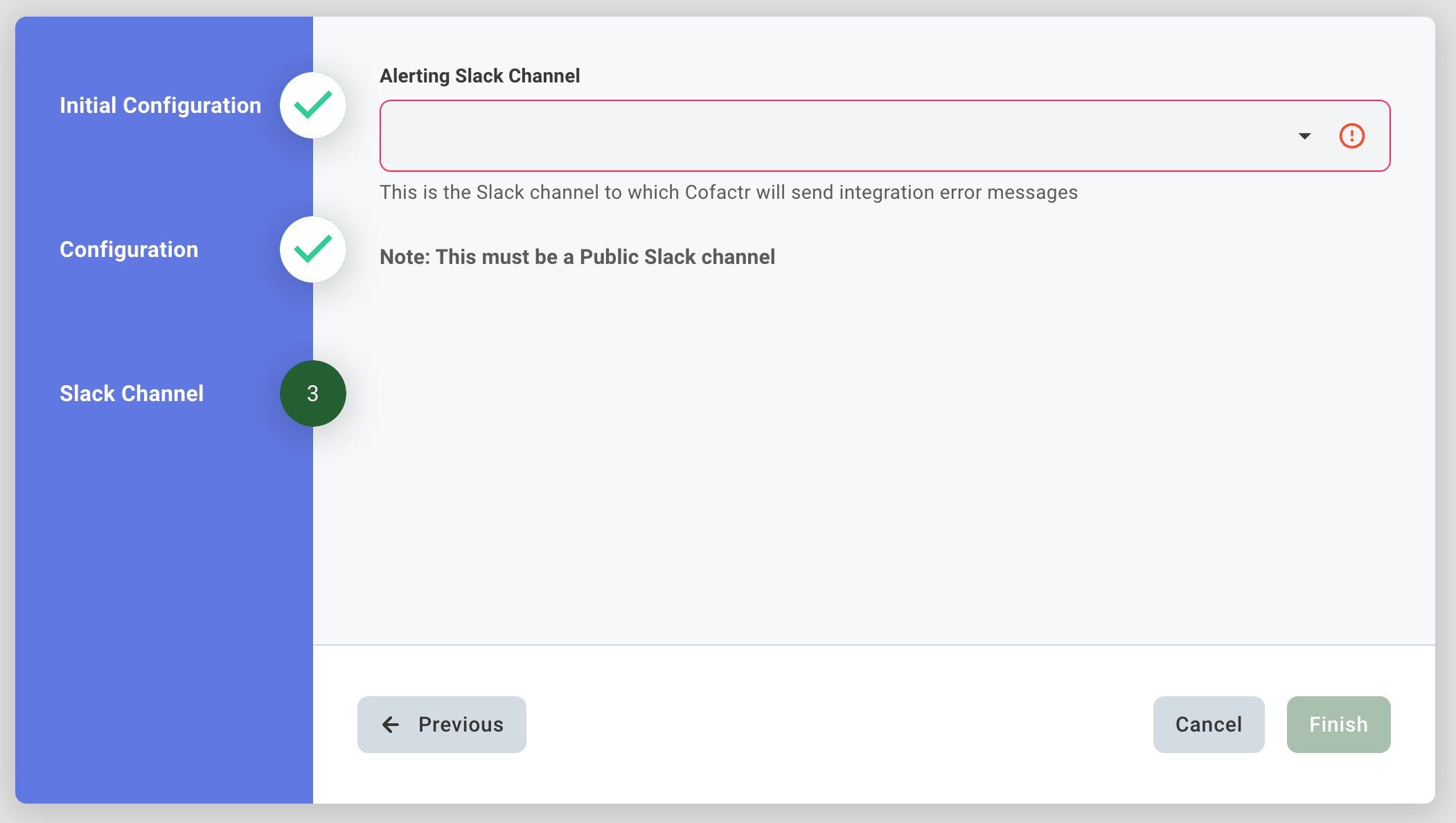
Important: The channel you select must be a public Slack channel. Private channels will not appear in the dropdown.
What Happens Next
Once configured, any integration errors will automatically post to your selected Slack channel. Your team will be notified in real-time, allowing for faster response and resolution.
Written by: Morgan Seeton