Shared Carts
Last updated: February 17, 2026
Carts in Cofactr can be set to private or shared. This setting controls who in your organization can see and access the cart.
Cart Visibility Options
Private (default): A private cart is only visible to the person who created it. Use private carts for in-progress work you are not ready to share, or for personal purchasing workflows.
Shared: A shared cart is visible to everyone in your organization. Any team member can view the cart, its contents, and its status. This is useful for collaborative purchasing, cross-functional reviews, or any cart that multiple stakeholders need visibility into.
How to Change a Cart's Visibility
Open the cart you want to update.
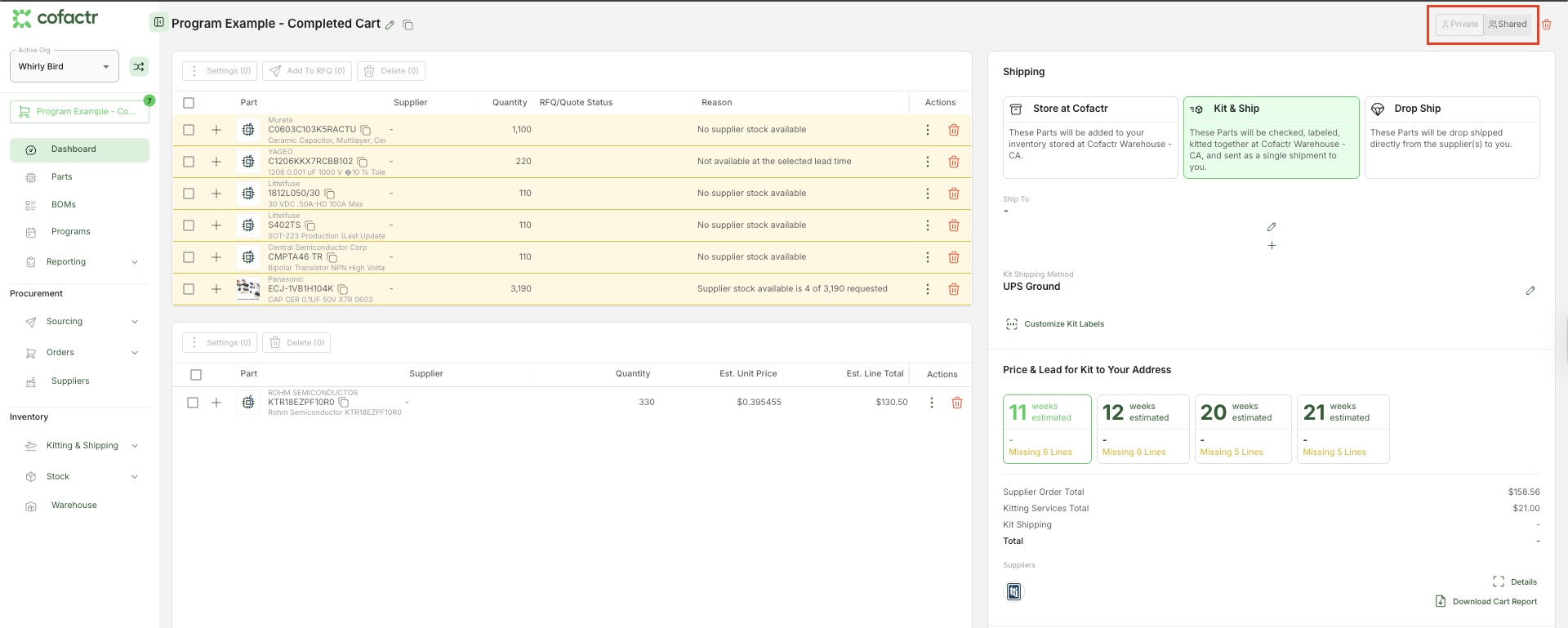
In the top right corner of the cart, you will see two options: Private and Shared.
Click the option you want to apply. The active setting will appear highlighted.
Things to Know
Sharing a cart makes it visible org-wide - anyone with access to your Cofactr workspace can see it.
Visibility is set per cart. Changing one cart does not affect others.
Only the cart owner or an admin can change the visibility setting.
When to Use Each Setting
Use case | Recommended Setting |
Personal or draft cart | Private |
Cross-team procurement review | Shared |
Cart awaiting approval from another team | Shared |
Testing or exploratory BOM work | Private |
Written by Morgan Seeton