MyArrow Integration Setup
Last updated: September 15, 2025
Required Distributor Information:
MyArrow API client ID and client secret
MyArrow Orders API integration config values for their preferred
billToSiteUseId,shipToSiteUseId, andshipCompleteOption(line, order, or null)
Integration:
If you don't have existing API credentials, please contact your sales representative to get credentials.
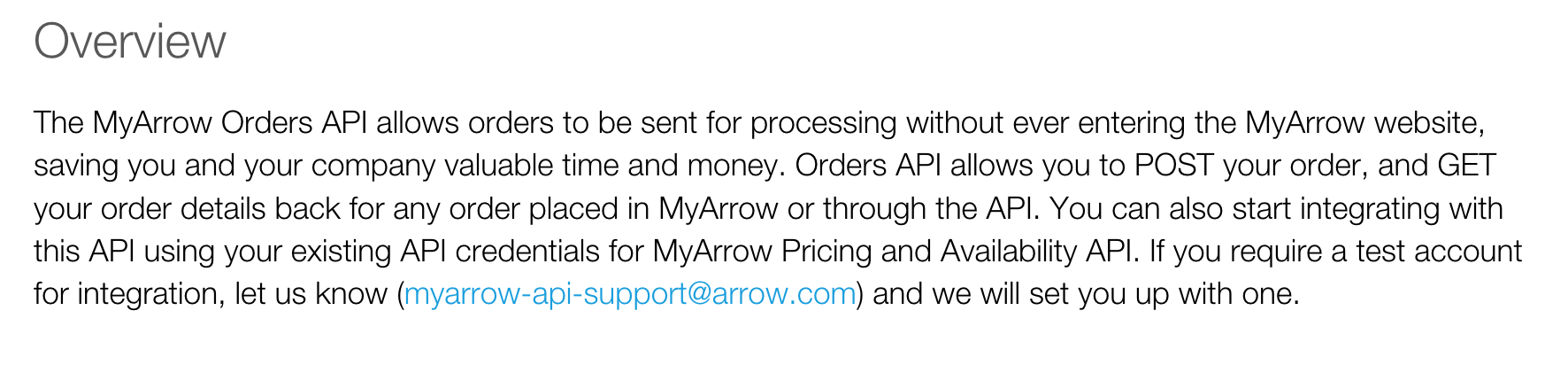
Send your MyArrow Orders API integration config value to Cofactr
We need your billing account ID (referenced as
billToSiteUseIdin the MyArrow API docs).We need your shipping account ID (referenced as
shipToSiteUseIdin the MyArrow API docs).We need your
shipCompleteOptionpreference (”LINE”, “ORDER” or null value). “ORDER” will wait to ship the entire order in one package. “LINE” will ship each line item once the quantity can be fulfilled. A null value will ship the quantities Arrow has available in the warehouse ASAP. Note that currently we defaultshipCompleteOptionto value of null in the KB API.
Once you have your MyArrow API client credentials, ID and secret, the same set of credentials used across all of MyArrow’s API offerings, securely share it with success@cofactr.com using One-Time Secret.
Written by Anthony Blair